For your security, our website requires your browser to support strong encryption (TLS 1.2 or higher) when processing credit card payments.
If your browser does not support TLS 1.2 or higher, you may receive an error message when attempting to complete a purchase.
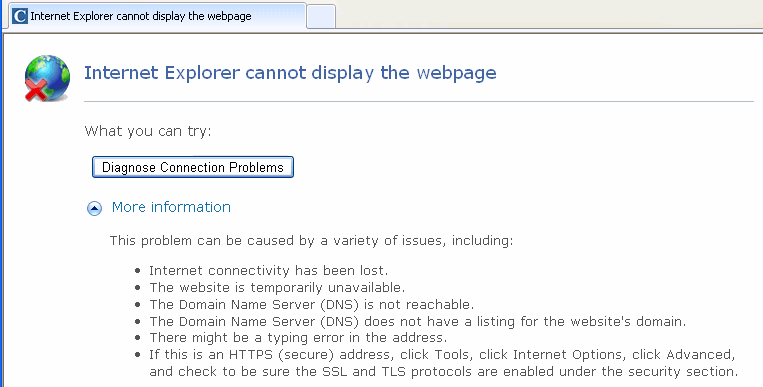
Solution
To resolve this issue, please install or update to a modern web browser that supports TLS 1.2 or higher.
We recommend using the latest version of the following browsers:
Unsupported Browsers
The following browsers or versions do not support TLS 1.2 and may cause errors:
Internet Explorer
- Internet Explorer on Windows XP or Windows Vista
Safari
- Safari on Windows operating systems
- Safari 6 or earlier on macOS
- Safari on iOS 4 or earlier (iPad, iPhone, iPod)
Google Chrome
- Chrome version 37 or earlier
Mozilla Firefox
- Firefox version 26 or earlier
Need additional help?
Submit a support request through our Contact Support form or call us during business hours at 888.529.5929.