I can't login to my account
- Page Views 72206
There are two ways to login to CITI Program's Learning Management System (LMS):
(1) CITI Program credentials; or
(2) Your organization's Single Sign On (SSO) credentials
My Username is Not Working:
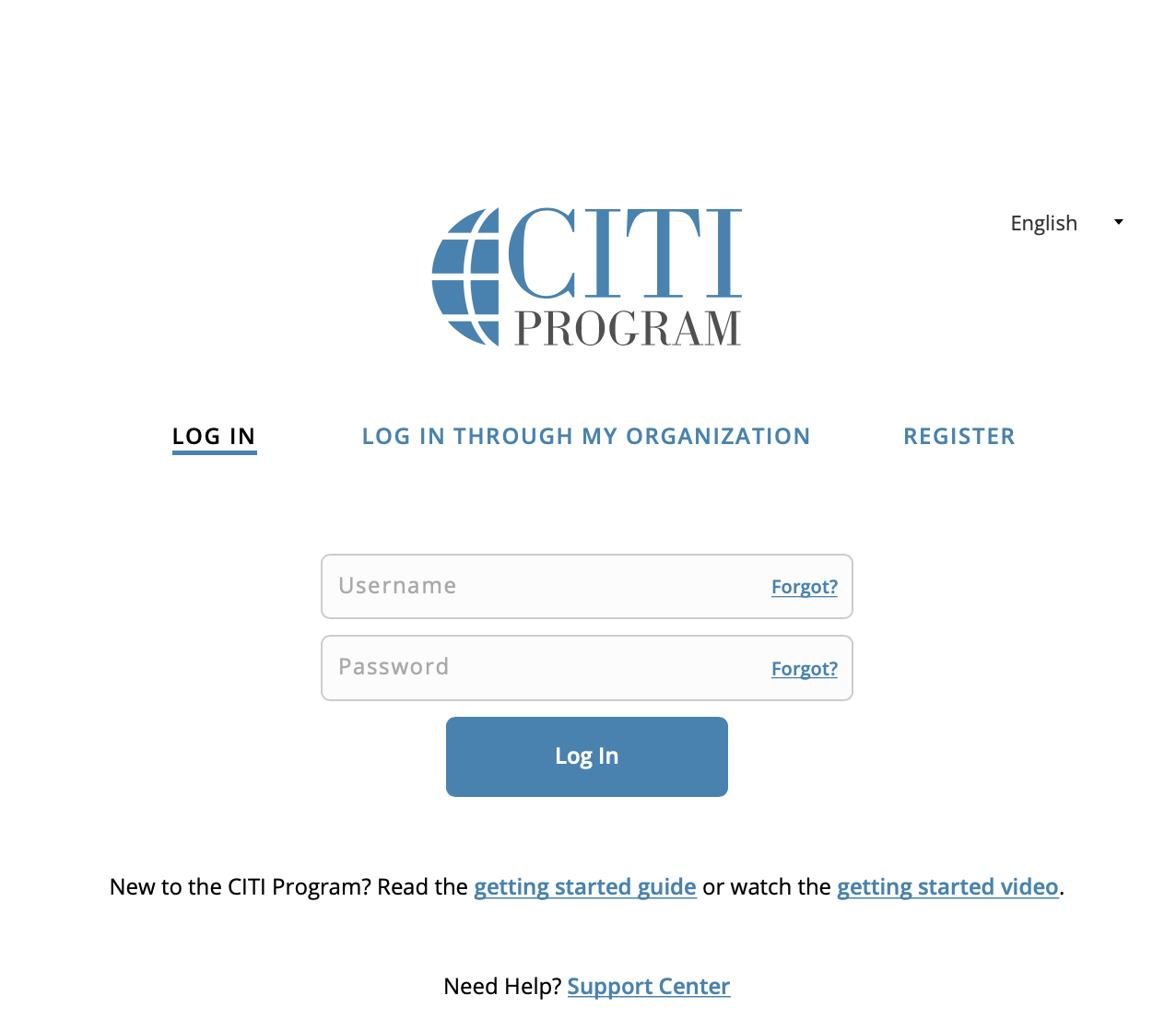
To retrieve your CITI Program username click on the Forgot link, also located on the CITI Program log in page , and enter the email address associated with your CITI Program account to retrieve your username.
- If you see the message, “There are no usernames associated with this email address in our records,” when retrieving your username, try a different email address you may have used. Many learners are affiliated with multiple institutions and may have registered with an alternate email.
My Password is Not Working:
To reset your CITI Program password click on the Forgot link, also located on the CITI Program log in page , and enter the email address and username associated with your CITI Program account to reset your password.
- If you see the message, “There is no account in our records which matches your input,” when resetting your password, try a different email address you may have used. Many learners are affiliated with multiple institutions and may have registered with an alternate email.
CITI Program Login Page
If you are using your organization's Single Sign On (SSO) to access CITI Program, but have forgotten the credentials, contact an appropriate person at your organization such as the information technology division.
Check the list of organizations utilizing a Sign Sign On to access the CITI Program
For more information call 888.529.5929.